
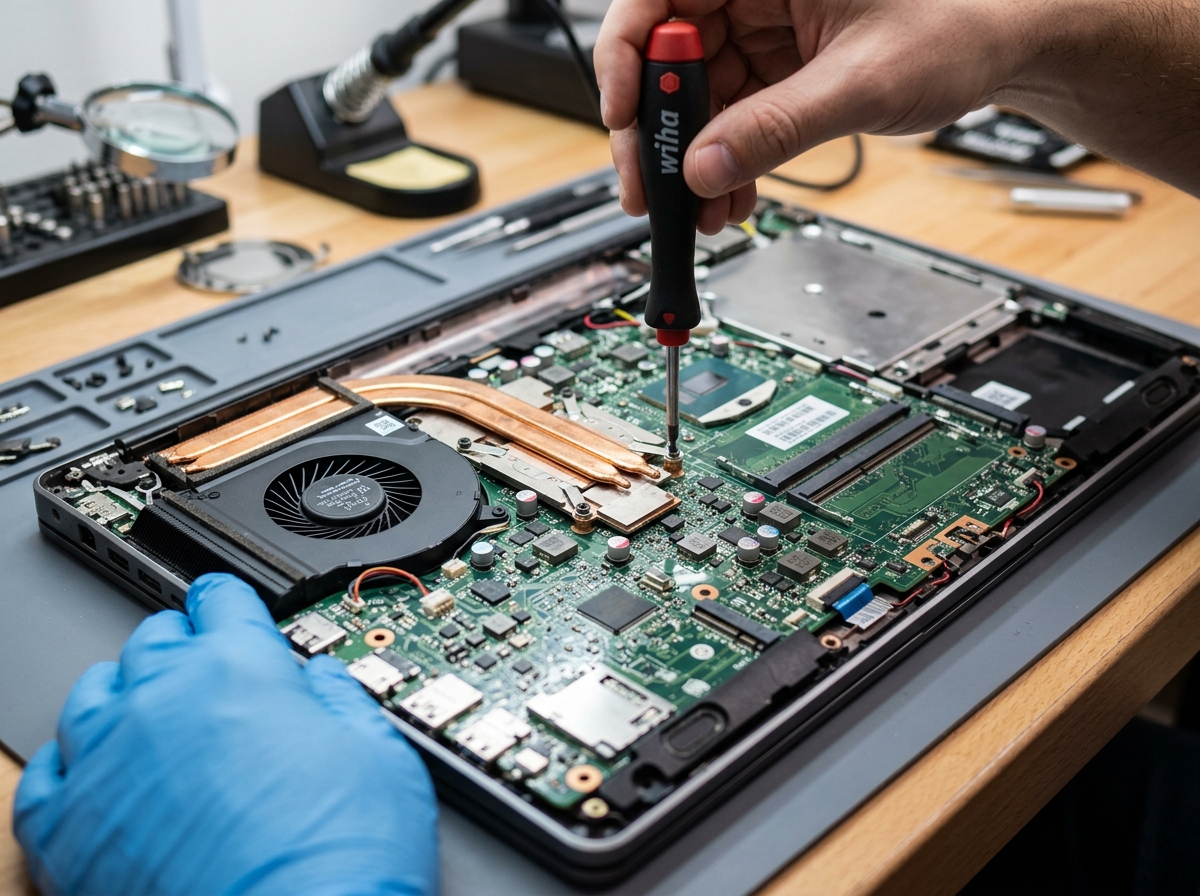
Is your laptop running scorching hot to the touch, or does the internal cooling fan sound like a jet engine preparing for takeoff? Overheating is the single leading cause of laptop hardware degradation, spontaneous shutdowns, and battery swelling.
- Dust builds a solid “carpet” behind internal radiator fins within 12-18 months.
- Factory thermal paste dries out into hardened powder, stopping heat transfer.
- Using a laptop on blankets or beds suffocates bottom intake grilles.
- A professional internal clean and re-paste can lower temps by 20??C to 30??C!
1. The Dust Carpet Phenomenon
Laptops draw cool air through tiny bottom grilles and blow it out through miniature radiator fins. Even in a tidy house, pet hair and fine dust particles get trapped against the inside of the heatsink fins. Over time, this forms a dense felt-like layer that blocks air from escaping, trapping scorching heat inside the chassis.
2. Dried Out Factory Thermal Paste
Thermal paste is a specialized compound that fills microscopic imperfections between the CPU/GPU silicon die and the copper heatsink. Factory paste applied during assembly often hardens into chalky residue after 2 to 3 years. Once dried, heat cannot transfer effectively to the copper heat pipes, forcing the processor to throttle down its clock speed to prevent frying itself.
Blowing canned air through external laptop vents without opening the case can push the dust ball deeper into the fan blades or over-spin the fan, causing permanent bearing damage.
3. Signs You Need Professional Laptop Servicing
- Laptop suddenly shuts down during video calls, watching movies, or playing games.
- Keyboard deck or bottom casing becomes too hot to comfortably hold.
- The fan runs at maximum RPM constantly even when the computer is sitting idle on the desktop.